There are a hundred ways to send someone a video… and most of them involve friction. Someone can’t open the drive link. Another person hits a “request access” wall. The preview doesn’t load on mobile. The file is too big for email. You copy the thumbnail into a chat and now you’re pasting the video in five different places.
Let’s make it boring—in the best way. If you want a clean, public link that plays in the browser (no logins) and lets viewers download the original, this is the way to do it.
With FileXhost, you upload your video and get a shareable URL on a filex.host subdomain—something short, reliable, and friendly to phones. The link opens a modern player, so people can just press play. No apps, no setup.
Share Your Video in Seconds
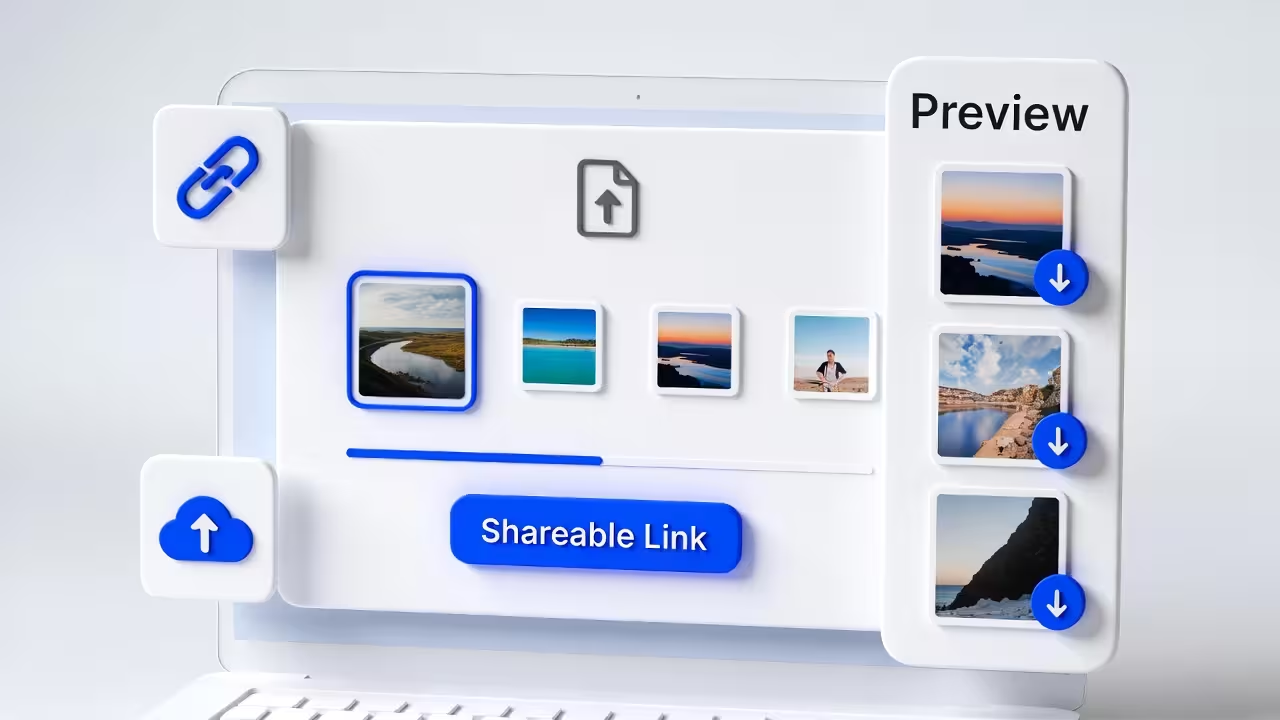
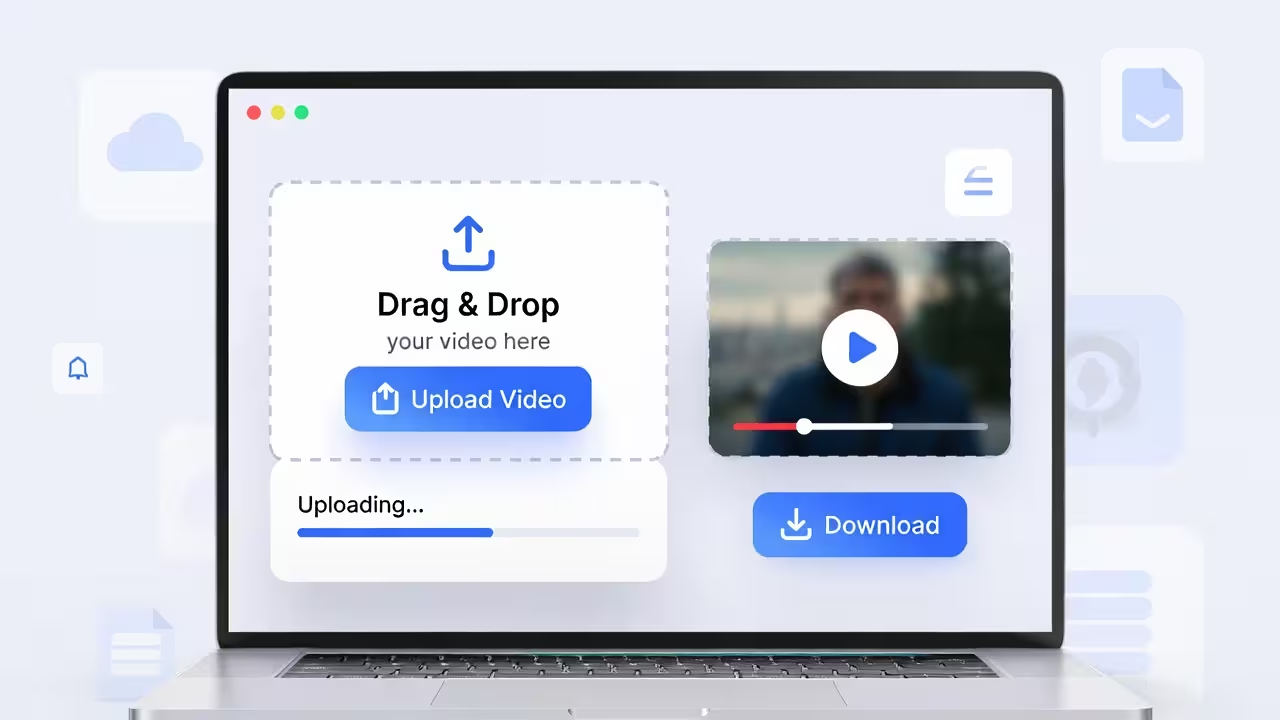
Drag and drop any file (images, videos, PDFs, or HTML) and get a live link in seconds. No sign-up required.
The 20‑Second Version
- Upload your video to FileXhost.
- Copy your
*.filex.hostlink. - Paste it wherever you want people to watch—email, Slack/Discord, DMs, your site.
That’s it. The link opens a fast video page with playback controls and a download option.
Why This Beats the Old Routine
- No permissions dance: Everyone with the link can watch—no “request access” purgatory.
- Mobile‑friendly: Opens on phones without extra apps.
- Consistent URL: One link you can reuse in docs, chats, and posts.
- Download optional: Viewers can save the original if they want to keep a copy.
It’s ideal for demos, product previews, short promos, tutorials, walk‑throughs, and stakeholder reviews.
What Viewers See
FileXhost is a fast file hosting and preview platform. When your link opens, viewers see:
- A modern player with play/pause, seek, volume, and fullscreen.
- A responsive layout that works on phones, tablets, and desktops.
- A clear download button for saving the source file.
No pop‑ups, no toolbars from other platforms, no “install our app” nudges.
Best Formats (Compatibility First)
For broadest playback support:
- Prefer MP4 (H.264/AAC) for universal compatibility across browsers and devices.
- WEBM is fine for modern browsers; it’s a good option if you already have it.
- MOV may work but can carry codecs some browsers can’t decode smoothly.
If you’re not sure, export as MP4 using H.264 for video and AAC for audio, 1080p or 720p depending on size/quality trade‑off.
Keep It Snappy (Size and Quality)
Here’s a simple checklist to balance quality and load time:
- Keep duration tight for reviews and demos where possible.
- Aim for reasonable bitrates—crystal clear beats over‑compressed, but don’t push 4K unless it matters.
- Consider downscaling to 1080p or 720p for share links.
- Use a visually clean frame for the opening seconds (social previews often snapshot it).
If you need to re‑export, most editors (and even free tools) can produce H.264 MP4 with a sensible bitrate out of the box.
Make Your Link Work Harder
- Put the link high in your email (“Watch the video →”).
- Add it to issue trackers and docs as a single source of truth.
- Use it in sales decks or case studies—click opens the player, no fuss.
- Pair with a short paragraph setting context—what to watch for, the key moment, the ask.
If you’re embedding the link on a web page, keep it simple:
<a href="https://project.filex.host" target="_blank" rel="noopener">
  Watch the video
  <span aria-hidden="true">↗</span>
</a>
Autoplay, Muted Playback, and Other Quirks
Browsers restrict autoplay with sound to protect users. If you must autoplay in an HTML embed (not just a link), expect to set muted and let viewers unmute:
<video controls muted playsinline>
  <source src="https://project.filex.host" type="video/mp4" />
  Sorry—your browser doesn’t support embedded videos.
  <a href="https://project.filex.host">Watch the video</a>
  instead.
</video>
For most use cases, sharing the link is cleaner: the FileXhost player handles the experience and keeps your page lightweight.
Real‑World Scenarios
- Product managers sharing a feature preview for weekly updates.
- Designers posting motion studies for feedback.
- Support teams pointing to a how‑to clip rather than a wall of text.
- Marketing teams testing short promos before publishing.
- Founders sharing investor updates without wrangling drive permissions.
If quick, reliable playback is the goal, a public link gets you there fastest.
Troubleshooting (Fast Fixes)
- “Audio plays, video doesn’t” → Re‑export as MP4 with H.264/AAC. Some MOV/HEVC (H.265) encodes don’t decode in all browsers.
- “Won’t autoplay” → That’s expected with sound on; use muted or let viewers press play.
- “File too big” → Trim dead space, export at 1080p/720p, choose a sane bitrate.
- “Choppy on mobile” → Try a 720p export for the share link; keep a high‑res master separately.
- “Thumbnail looks awkward” → Ensure the first ~1–2 seconds contain a clean frame (title card, logo, or hero shot).
Privacy and Access
A FileXhost link is public to anyone who has it. If you need to limit distribution, share the URL only with trusted audiences. If you need to retract access later, replace or remove the hosted file and share a new link.
Frequently Asked Questions
Can viewers download the video?
Yes. The player provides a download option alongside in‑browser playback.
Do you support long videos?
You can host and share long videos, but for best viewer experience keep public share files reasonably sized (shorter clips or sensible bitrates).
What formats work best?
MP4 (H.264/AAC) is the safest choice across devices and browsers. WEBM is fine for modern browsers.
Can I embed the video on my own site?
Yes, by using a standard <video> tag that points to your FileXhost URL (see example above). For most cases, linking directly is simpler and keeps your page light.
Is there a custom domain?
Your link lives on a filex.host subdomain so you can share immediately—no DNS or setup required.
Wrap‑Up
Sharing a video shouldn’t require a scavenger hunt of permissions and apps. Upload once, copy a clean URL, and let people hit play—on any device, without logins. That’s the whole point.
With FileXhost, your video opens in a modern player, looks good on phones, and is easy to download if someone needs a local copy. Simple, predictable, and fast—exactly how sharing should feel.